RVC Fabric
Real-time voice changer and soundboard for Windows
RVC Fabric is a free, open-source Windows application developed by Turing Mirror. Change your voice and play music or sound effects in QQ, Discord and in-game voice chat, or mix your voice with backing tracks during a live stream. Its soundboard supports audio clips and hotkeys, alongside voice model management, vocal separation and model training.
Supports Windows 10 and Windows 11. Download the required runtime and models before first use.
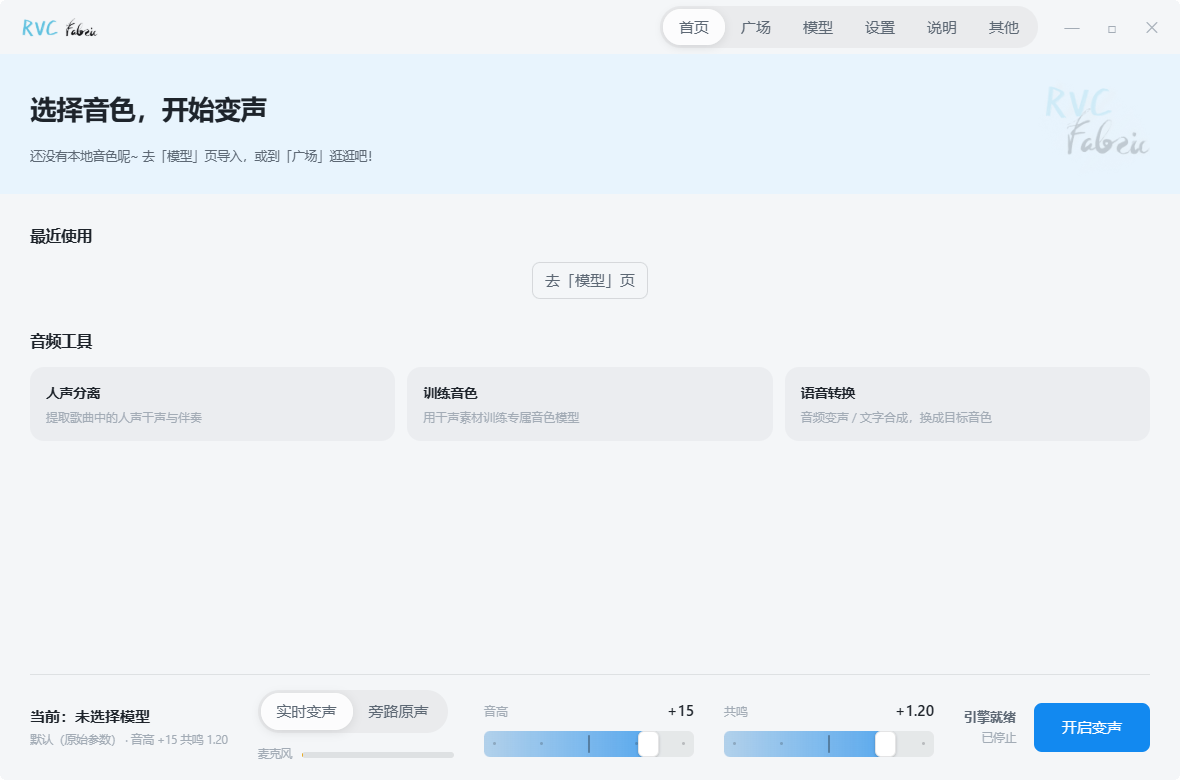
Features
Real-time conversion
Converts microphone input to the selected voice, with original-voice bypass, ASIO channel selection and independent monitoring. Latency depends on hardware, the model and audio settings.
Soundboard for voice chat and games
Play music, sound effects or selected clips into voice chat alongside your converted microphone audio, with overlapping playback, looping, separate volume control and global hotkeys.
Audio effects
Includes a noise gate, compressor and 5-band parametric EQ, with presets and individual adjustments.
Voices & presets
The voice library supports associated .index files and lets you save, import and export parameter presets.
Community voice store
Download voice models from Turing Mirror and third-party sources, track progress and resume interrupted downloads.
Audio toolbox
Provides vocal separation, text-to-speech and voice training tools. The training workflow covers audio slicing, pitch and feature extraction, model training and index export.
Automatic acceleration
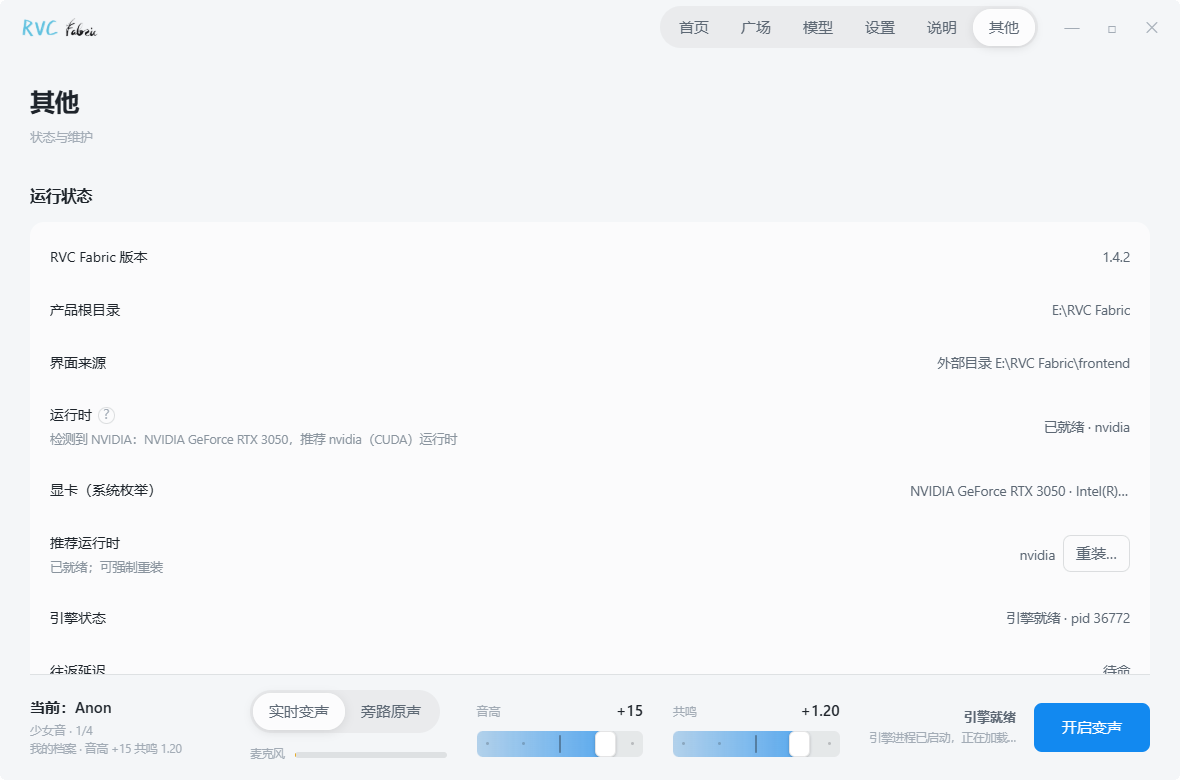
Supports NVIDIA CUDA and DirectML acceleration for AMD and Intel GPUs. Setup detects hardware and configures the corresponding runtime.
Getting started
Install
Run RVC_Fabric_Setup.exe. An install path with only English characters is recommended.
Follow the setup
Follow setup to configure the runtime and download or import a voice model. Install VB-Cable to send audio to another application. Restart the computer after installation.
Connect voice chat and games
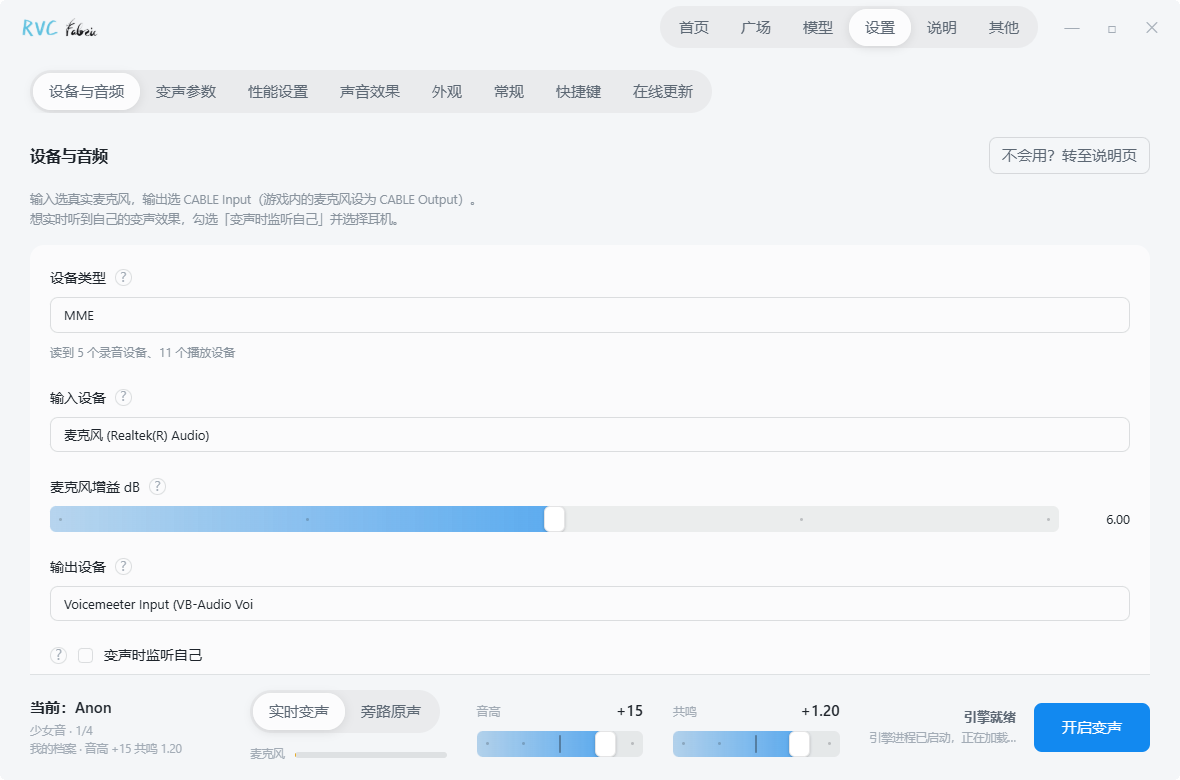
In the audio device settings, select your physical microphone and set the output to CABLE Input. Set the microphone in QQ, Discord or your game to CABLE Output.
Play music while changing your voice
Open the audio library, import music or sound effects, and double-click an entry to play it into voice chat. To change your voice while playing music, select a voice model and start conversion. Both signals are mixed into the same output. Select headphones for local monitoring and assign global hotkeys to frequently used audio clips.
FAQ
Is RVC Fabric free?
Yes. The source code is MIT-licensed on GitHub; model weights, voice packs and third-party resources follow their own licenses.
Does it work without an NVIDIA GPU?
AMD and Intel GPUs can use DirectML for real-time conversion. The current voice training interface requires an NVIDIA GPU.
How do people in my game, QQ or Discord hear the changed voice?
Through the VB-Cable virtual audio device: set RVC Fabric's output to CABLE Input and the other app's microphone to CABLE Output. Keep your headphones as the Windows default playback device.
How is it related to RVC WebUI?
RVC Fabric is based on RVC WebUI and adds a desktop interface, runtime setup, model management and audio tools. RVC WebUI is the upstream project for its voice conversion technology.